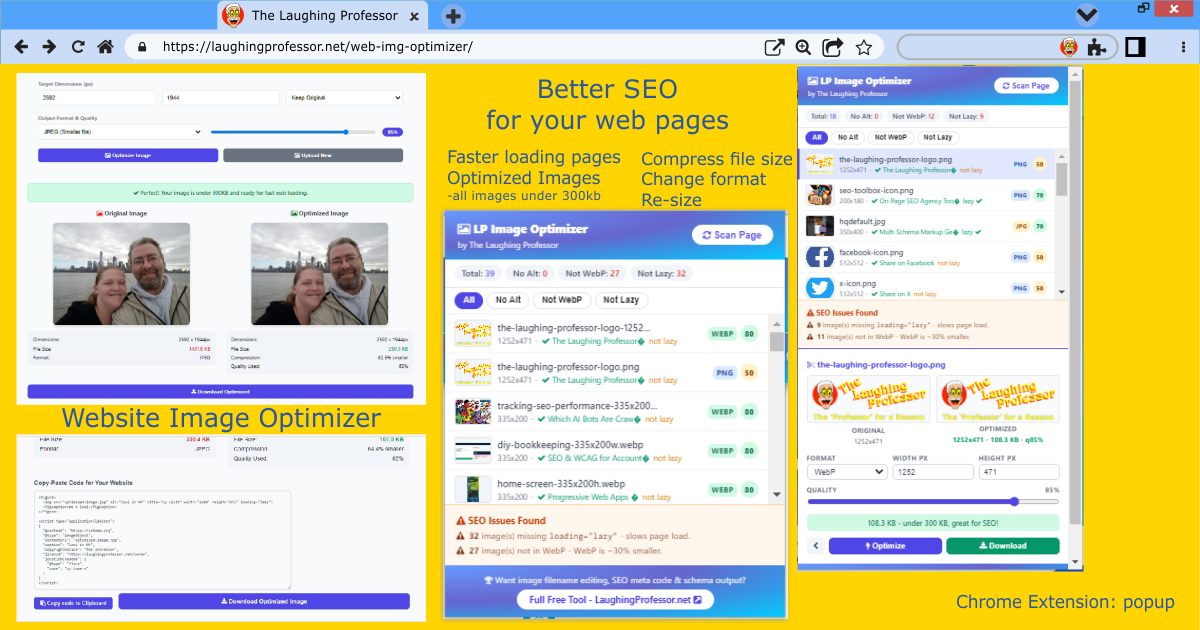
Website Image Optimizer App for SEO
Optimize your images to stay under 300KB for faster web loading. Now includes the option to rename files and/or add metadata to strengthen your page SEO
Image Size Guide - Choose Perfect Dimensions
OpenPWA & App Icons
Progressive Web App manifest icons
Favicons
Browser tab and bookmark icons
Web Page Images
Optimal sizes for website content
Social Media
Optimized for social platforms
Optimize images for your website pages Free
Gain faster page loading speeds by selecting the best webp format, file size and re-sizing the dimensions by optimizing the compression.
Optimizing your image...
Optional. change file name, add metadata - but does strengthen the page SEO.
Original Image
Optimized Image
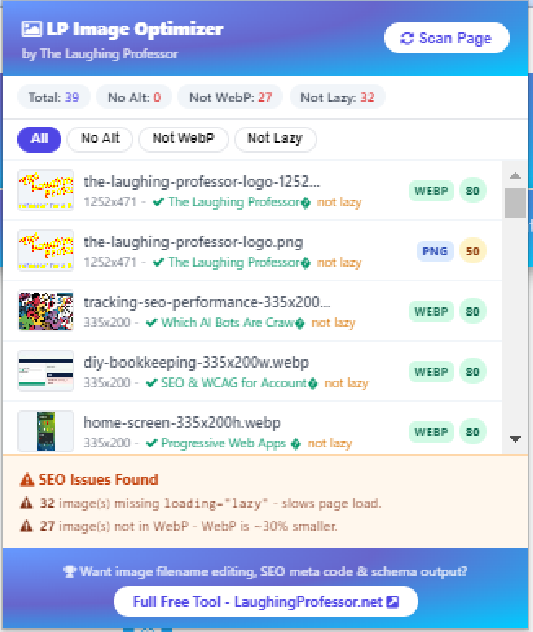
Page Image Scanner
Enter any public URL to extract and audit all images - filenames, dimensions, alt/title, file size, lazy-load status, format & SEO health.
Fetching page...
No images found matching your filter.
SEO Issues Found







How This Tool Helps Your SEO
Images play a major role in website performance, accessibility, and search engine optimization. Large image files can slow page loading times, while missing alternative text can make content less accessible to visitors and search engines. The Web Image Optimizer scans any webpage and instantly identifies common image-related SEO issues that may impact rankings, user experience, and Core Web Vitals. By reviewing image file sizes, dimensions, alt text usage, and loading behavior, you can quickly discover opportunities to improve website performance. Whether you manage a small business website, blog, e-commerce store, or large corporate site, optimizing your images can help improve page speed, accessibility compliance, visitor engagement, and overall search visibility.
Why Internal Linking Matter
Images are often overlooked when reviewing website optimization. However, every image contributes to the overall performance of a page and can influence how users interact with your content. When pages load quickly and provide a better user experience, visitors are more likely to stay longer, view additional content, and follow internal links throughout your website. Improved engagement signals can contribute to stronger SEO performance and better visibility in search engines. Optimized images also support accessibility by helping screen readers understand visual content, allowing more users to navigate your website effectively.
Key Optimization Checks
Pro Tip
As a general rule, website images should remain under 300KB whenever possible. Smaller image files load faster, improve mobile performance, reduce bandwidth usage, and help maintain strong Core Web Vitals scores. For banners and large hero images, aim for the smallest file size that still maintains acceptable visual quality.
Frequently Asked Questions
Do I need to implement all suggested links?
No. Review each suggestion and only add links where they provide genuine value to your readers. Quality and relevance matter more than quantity. Focus on suggestions that enhance user navigation and topical relevance.
What does the Web Image Optimizer do?
The tool scans a webpage and analyzes the images it contains, identifying common SEO, accessibility, and performance issues.
Why is image optimization important for SEO?
Optimized images improve page speed, user experience, accessibility, and search engine understanding of your content.
What is alt text?
Alt text is a written description attached to an image. It helps screen readers describe images to visually impaired users and provides context for search engines.
What image size is recommended for websites?
For most web pages, keeping images under 300KB is recommended whenever possible while maintaining acceptable visual quality.
Does this tool check every image on a page?
The scanner attempts to identify all accessible image sources found within the page's HTML and reports relevant optimization opportunities.
Can large images affect page speed?
Yes. Large image files are one of the most common causes of slow-loading web pages and poor Core Web Vitals scores.
What image formats are best for SEO?
Modern formats such as WebP typically provide better compression and performance than traditional JPEG or PNG files.
Is image optimization important for mobile users?
Absolutely. Mobile users often browse using slower connections, making image optimization essential for fast page loading and a better user experience.
Get the Free Chrome Extension.This tool is part of The Laughing Professor's SEO Command Center, where step-by-step guidance walks you through every stage of on-page optimization.
View More SEO Related Tools The Professor's Web Design Report Card Multi JSon Script Generator OG Meta Tag generator