The Professor's Website Design Report Card
Free Website SEO Audit Grader - 40+ Checks. Real Data. No Guessing.
Most SEO audit graders give you a pass/fail tick list. This one pulls the actual data - your real title tag, your image file sizes, your exact schema types, your redirect chain, your domain age, your GBP signals - and shows you what Google sees, not just whether a box is checked.
Built for web designers checking their own work, clients verifying a new site, and DIY SEO-ers who want to know exactly where they stand. From The Professor's SEO Classroom.
Title, meta, H1, word count, content ratio
HTTPS, canonical, robots, sitemap, redirects
GSC, Analytics, Business Profile signals
7 headers checked, HSTS, CSP, X-Frame
SAS score, OPR, global rank, authority tier
llms.txt, manifest, service worker, IndexNow
"67% of new websites fail The Professor's Web Design Report Card - is yours one of them?"
Feeling brave? Drop your score on our Facebook page and see if you make the cut!

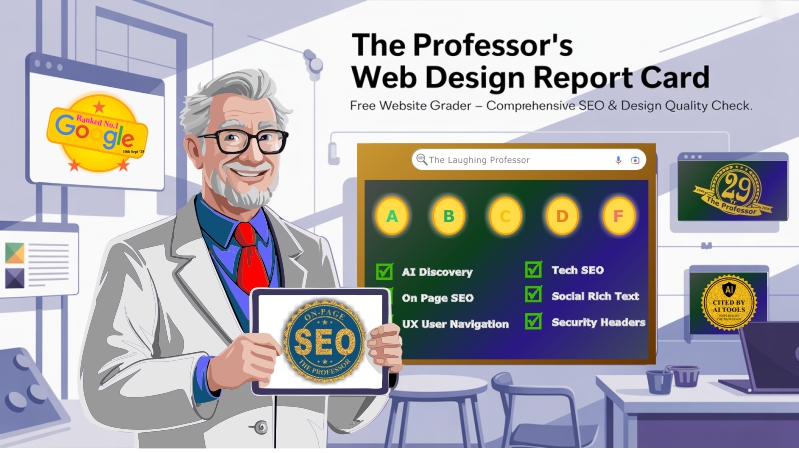
Grading Legend - The Professor's Web Design Report Card
Free Website Grader for web designers, their clients and SEO DIY-ers
- A+ - (90-100): Top 15% of websites. Optimized & Search-Ready. Excellent SEO and design performance.
- B - (80-89): Above average - 35% of sites. Solid but improvable. Some areas could be fine-tuned for better optimization.
- C - (70-79): Average - 40% of sites. Needs technical cleanup. Functional, but missing several SEO best practices.
- D - Below C: Needs immediate attention. Poor optimization practices. Several technical or performance issues detected.
- F - Functionally broken / SEO disaster zone. Immediate action recommended.
Remember: The Professor doesn't grade on web design, looks or appearance - only on website performance.
Your ultimate goal is to be seen by the masses. once you have achieve grade A-B your next step is to fine-tune your keywords. How much traffic does your website get?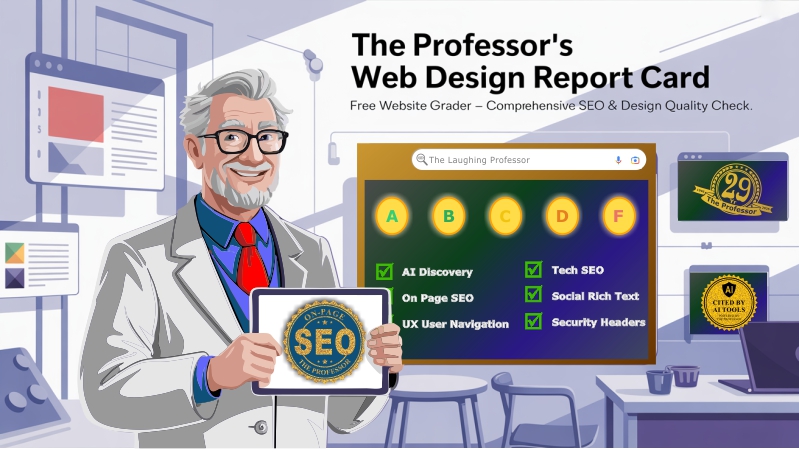
Report Card Engine v11.0

Professional SEO Analysis * LaughingProfessor.net
Focus on user experience first, and rankings will follow.
#TheProfessor







What it Does:
and FREE SEO Tools to fix issues found
using The SEO Classroom tools.
Step #1
- #1 Visit www.PrintingREADY.com/hosting
- #2 Buy a 'House' (domain) www.your-own-url.com
- #3 Buy some 'Land', Select Hosting Plan.
- #4 Add a 'Front Gate' Add SSL Security.
- #5 Customize your House: cPanel (tools/apps)
- #6 Add a Garage for access: FTP (direct to land #3)
- #7 Add a Mail Box: setup your_choice@domain.com emails
- #8 Decorate your House: Web-Builder / Dashboard (#5)
- #9 Fix the roof: Optimize your SEO:
- #10 Have house warming party:
Tell (submit sitemap) search engines where you are.
- #11 Create Backlinks:
Get everyone to link to you. Directory Listings
- #12 Refine Keywords for search intent
Manifest
Service Worker
llms.txt
Content & On-Page SEO:Title tag
Meta tag
Heading Structure
Image Optimization
Social & Rich Results:Open Graph tags
Structured Data
Security Headers:Strict Transport Security
X Content type options
X Frame options
X XSS protection
Content Security Policy
Referrer Policy
Permissions Policy
Internal Links
CTA in top Fold
External Links
URL Redirects & Canonicalization:HTTP HTTPS Redirect
www.canonicalization
Redirect Chain Analysis
Technical Info:HTTPS Security
Mobile Viewport
Canonical URL
Favicon
Robots Meta
XML Sitemap
Page Performance
Google Ecosystem:Search Console Verification
Google Analytics
Business Profile Signals
Server Config:Page Load Time
Server
HTTPS
SSL Certificate
Domain Age
Frequently Asked Questions - The Professor's Web Design Report Card
What is The Professor's Web Design Report Card?
It's a free online tool that grades websites across 40+ individual SEO and technical checks and returns the actual data behind each result - not just a pass/fail tick. It's built for web designers checking their own work before handover, clients verifying that a new site has been optimised properly, and DIY SEO-ers who want to understand exactly what Google sees when it crawls their pages.
Is the Report Card really free to use?
Yes - completely free, no account needed, no email required, no usage limits. Enter any URL and get your full report instantly. It's part of the 90+ free SEO tools available in The Professor's SEO Toolbox, all running without sign-up or subscription.
What does the tool actually check?
The report covers eight categories of checks: PWA & AI discoverability (manifest, service worker, llms.txt, IndexNow), content & on-page SEO (title tag, meta description, H1 structure, word count, image alt text), UX & navigation (internal links, CTA placement, external links), URL redirects & canonicalisation (HTTP?HTTPS, www consistency, redirect chains, HSTS), technical SEO (viewport, robots.txt, sitemap, structured data, favicon), social & rich results (Open Graph, JSON-LD schema), Google Ecosystem (Search Console verification, Analytics, Google Business Profile signals), security headers (7 headers including CSP, HSTS, X-Frame-Options), server config (load time, SSL validity, domain age), and now Domain Authority via the Site Authority Score.
How is the grade calculated?
Each check is weighted by its SEO impact - a missing title tag costs more points than a missing hreflang tag. The total earned points are divided by the maximum possible to give a percentage, which maps to a letter grade: A (90-100%), B (80-89%), C (70-79%), D (60-69%), F (below 60%). The grading is entirely technical - it does not factor in visual design, which means a beautiful site can still score an F if the SEO foundations aren't in place.
Can I improve my score after running the report?
Yes, and that's exactly what it's designed for. Each check returns the actual data found (or not found), so you know precisely what to fix. Most checks include a direct link to the relevant free tool that helps fix the issue - the schema generator, the .htaccess builder, the image optimiser, and so on. Fix the issues, re-run the report, and watch your score improve. If you'd prefer someone else to do the fixing, the modular SEO services let you hire The Professor for just the specific thing that needs attention.
What is a word count check and why does it matter?
The word count check counts only the readable body content - stripping navigation, scripts, headers, and footers - and flags if a page is thin (under 300 words), borderline (300-600), or well-stocked (600+). Thin content is one of the most common reasons pages fail to rank even when their technical setup is solid. Google wants pages that genuinely answer a user's question, and word count is a rough proxy for content depth. Service pages, landing pages, and blog posts all have different targets, but 600+ is a safe general benchmark for pages you want to rank.
What is the Site Authority Score (SAS) and why is it in the report?
The SAS is a 0-100 domain authority metric that combines Open PageRank, global site rank, and scoring consistency into a single number - similar in concept to Moz DA or Ahrefs DR, but using free open-source data from Common Crawl with no account required. It gives you a realistic sense of how much link authority your domain carries, which directly affects how easily your pages can rank. The Report Card pulls this automatically and shows your OPR score, authority tier, and PR strength alongside the rest of your results. For deeper analysis and side-by-side competitor comparison, use the full Site Authority Score checker.
What is IndexNow and should my site use it?
IndexNow is an open protocol supported by Bing, Yandex, and other search engines (and increasingly used as a Google signal) that lets you notify search engines the moment a page is published or updated - rather than waiting for the next scheduled crawl. For sites that publish new content regularly, implementing IndexNow means faster indexing and fresher results in search. The Report Card checks for IndexNow implementation automatically. If you're not using it, The Professor's free IndexNow URL Submitter lets you submit pages manually with no setup required.
Does running this tool affect my website or rankings?
No. The tool reads only publicly accessible information from your URL - the same HTML a browser or search engine crawler would receive. It doesn't write anything to your site, doesn't interact with any admin systems, and has no effect on rankings or user sessions. It is read-only by design.
How accurate is the grading system?
The grading system uses over 40 independent checks based on current SEO best practices, Google's own published guidelines, and 30 years of applied SEO experience. It is not a Google tool and the score is not a direct measure of search ranking. What it does give you is a clear, prioritised picture of where your site's technical and content foundations are strong versus where there's work to do - which is exactly what any SEO audit is designed to provide. The Report Card engine is updated regularly as best practices evolve.
This tool is part of The Laughing Professor's SEO Command Center, where step-by-step guidance walks you through every stage of on-page optimization.
View More SEO Related Tools The Professor's SERP Simulator Multi JSon Script Generator OG Meta Tag generator