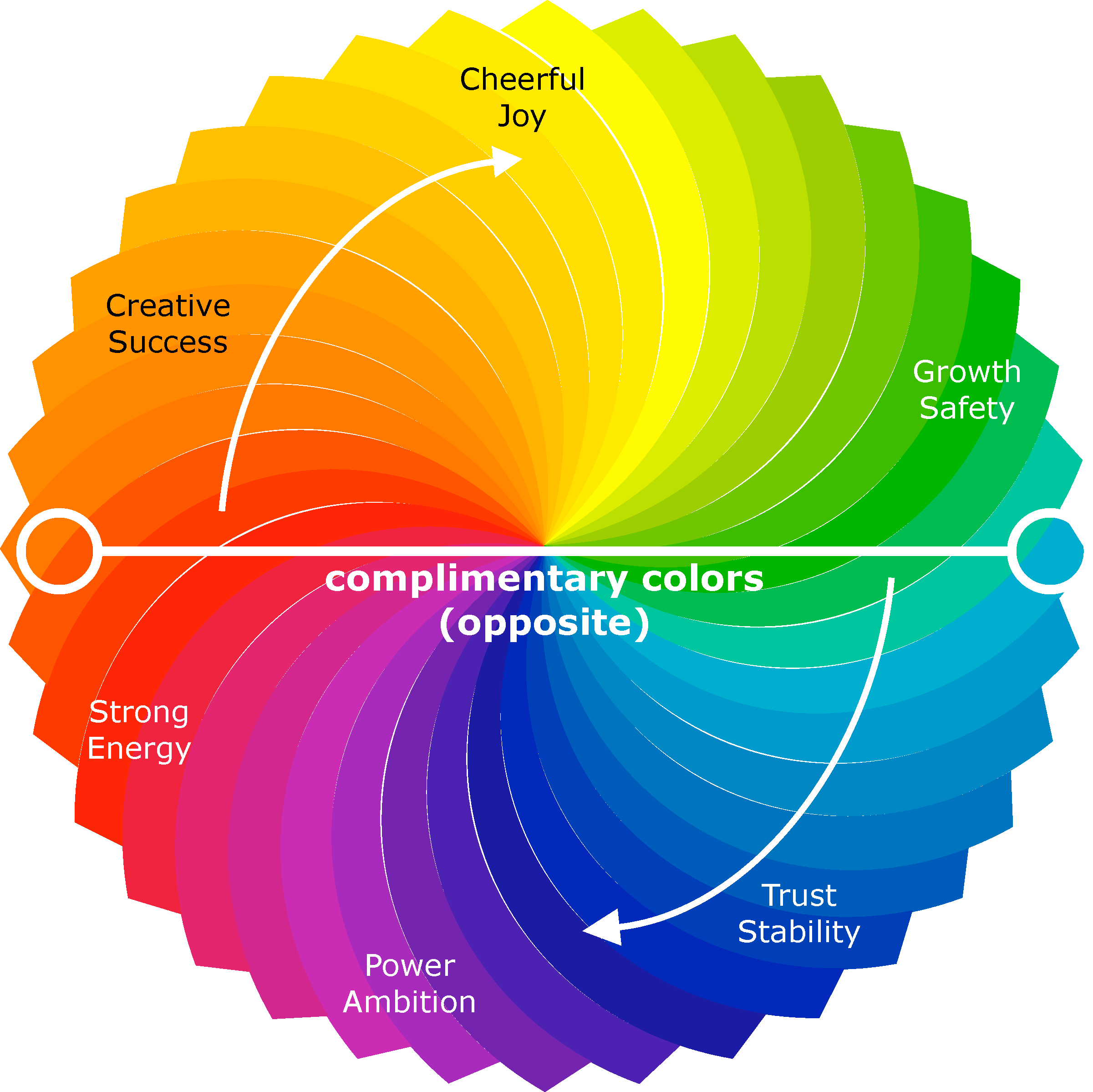
Select any color using the wheel.
The tool will display the highest WCAG-compliant contrast color and accessibility score. Choose your background color, then either let the tool suggest the best text color or pick your own. See real-time WCAG compliance scores and get color suggestions that meet accessibility standards.
This is sample text on your background
Accessible contrast is calculated using relative luminance per WCAG standards. Colors that look different may not provide sufficient contrast for users with visual impairments.
- WCAG AA (normal) 4.5:1 minimum
- WCAG AA (large text) 3.0:1 minimum
- WCAG AAA (normal) 7.0:1 minimum
Send these colors to the Theme Palette Generator to build a full accessible site palette.
Auto Theme Color Palette Generator
Adjust the colors for each page element below, and see how your theme would look on a sample page.
Our advanced palette generator uses your logo's primary and secondary colors to produce an accessible, custom color scheme for your webpage. With both auto and manual controls for page backgrounds, text, headers, and buttons, you can fine-tune your design to ensure optimal contrast and readability. Enjoy an intuitive interface and a live preview that make web design effortless and accessible.
Enter your logo's primary and secondary colors and click Generate Palette. The tool builds a full accessible theme: backgrounds, headings, text, and buttons - all WCAG-checked automatically.
Logo Colors (starting point)
The algorithm creates a palette where the page background is a light version of the primary color, text is a dark shade from the secondary (adjusted for AA contrast), H1 uses the primary, H2 uses the secondary, and button colors are derived and contrast-checked automatically.
The algorithm will create a palette where:
• Page Background is a light version of the primary color.
• Text Color is a darker shade derived from the secondary color (adjusted for accessibility).
• H1 Header uses the primary color.
• H2 Header uses the secondary color.
• Button Attention uses the primary color.
• Button Hover is a slightly darker version of the primary.
• Button Text is set for high contrast.
Fine-tune Each Element
Adjust each color individually. Badges update live to show WCAG compliance for each pair.
Your Palette
WCAG Compliance Report
| Element Pair | Colors | Ratio | AA (4.5:1) | AAA (7:1) |
|---|
Live Page Preview
Sample H1 Heading
Sample H2 Heading
This is a sample paragraph to preview the text color against the page background. Adjust the color pickers above to see changes live. Accessible design helps everyone, not just users with disabilities.
CSS Variables Snippet







This tool is part of The Laughing Professor's SEO Command Center, where step-by-step guidance walks you through every stage of on-page optimization.
View More SEO Related Tools The Professor's Web Design Report Card Multi JSon Script Generator OG Meta Tag generator
This page achieves a perfect 10/10 WAVE score using our Accessibility Widget - the same tool that improved our score from 8.8 to 10.0
Accessibility Notice:This widget provides visual accessibility enhancements for website visitors. It does not guarantee full WCAG or ADA compliance and should be considered a usability enhancement tool, not a legal compliance certification.
"Accessibility verification is based on WCAG best practices and automated testing tools such as WAVE. This does not constitute legal certification."FAQ
- "Can I use this tool outside the toolbox?"
- "Does the palette generator guarantee WCAG compliance?"
- "Is this tool free?"
Yes, all our toolbox tool pages are designed to work on their own from any browser.
The auto-generator and compliance table will flag any pairs that fail AA/AAA. Always review the compliance report before publishing.
Yes. We don't require any subscription, sign-in, or email address.